BG-08 / 12 · Moon & night sky
Above the Clouds galaxy background
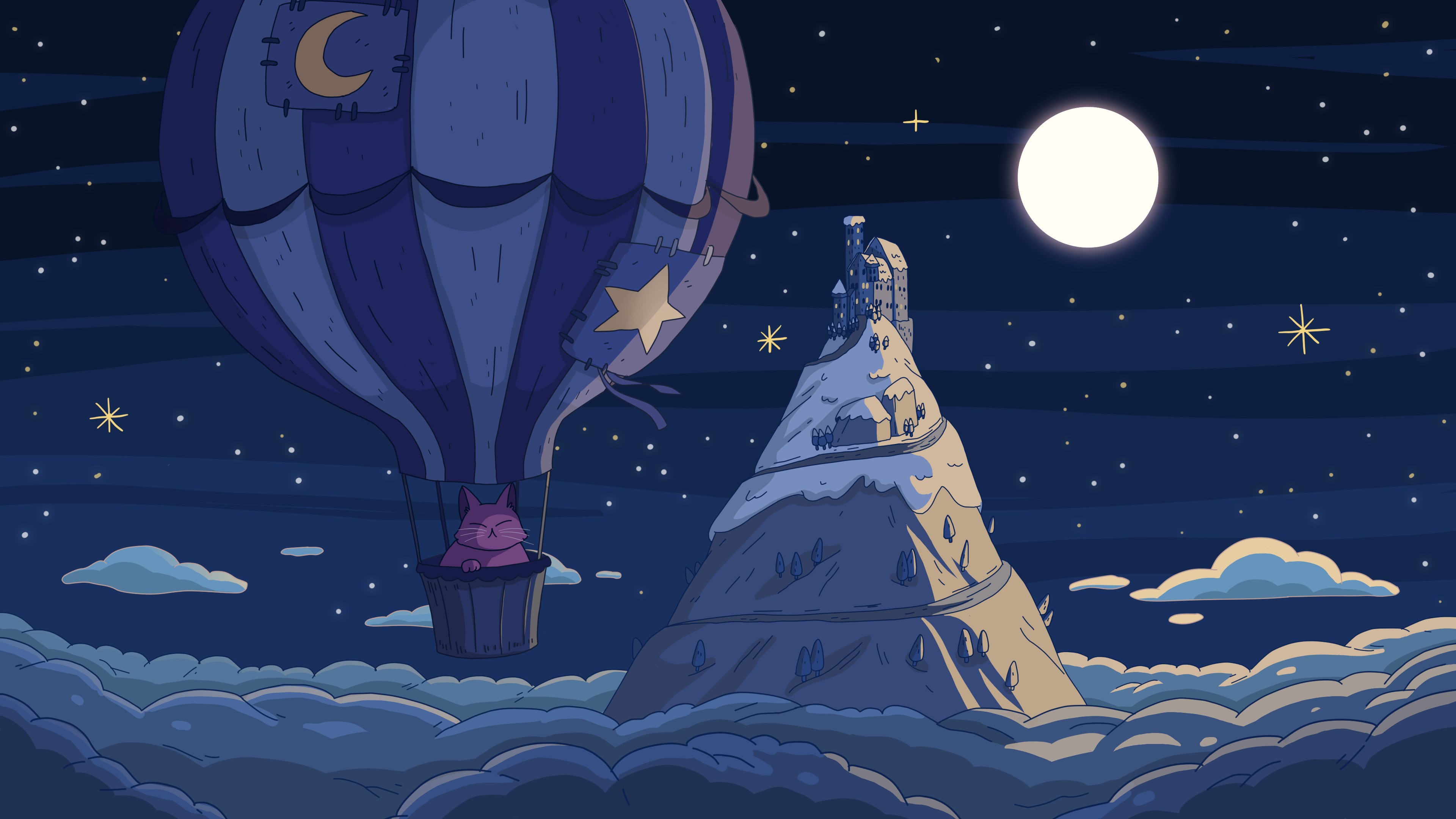
A full moon and a starry sky above the clouds, with a hot air balloon drifting past a snowy peak.
“It's peaceful up here above the clouds” Above the Clouds, 2020

Downloads
| File | Size | Notes | Weight | Download |
|---|---|---|---|---|
| 4K UHD | 3840×2160 | 16:9 | 446 KB | Download Above the Clouds 4K UHD (3840×2160) JPG |
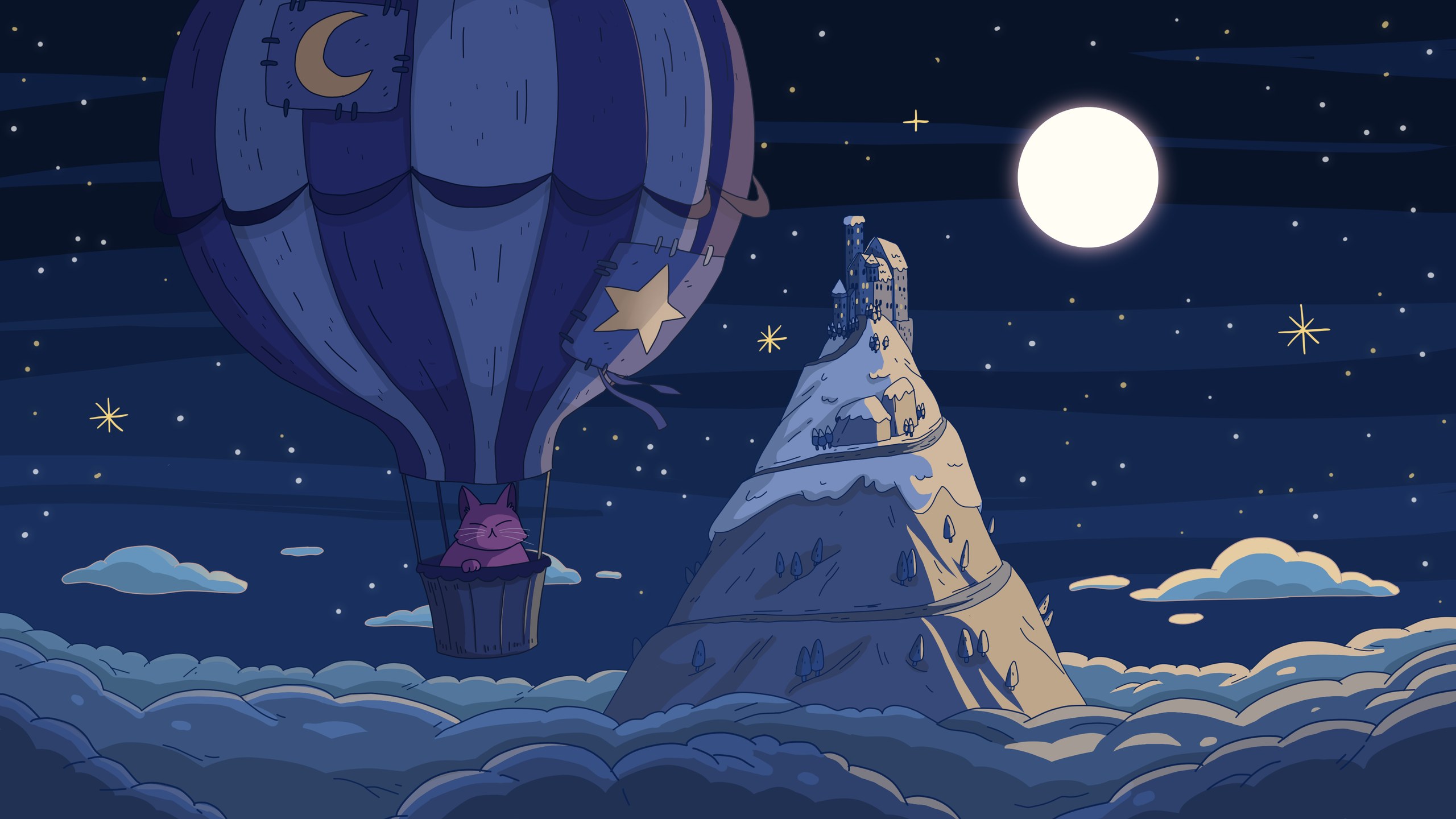
| QHD 1440p | 2560×1440 | 16:9 | 271 KB | Download Above the Clouds QHD 1440p (2560×1440) JPG |
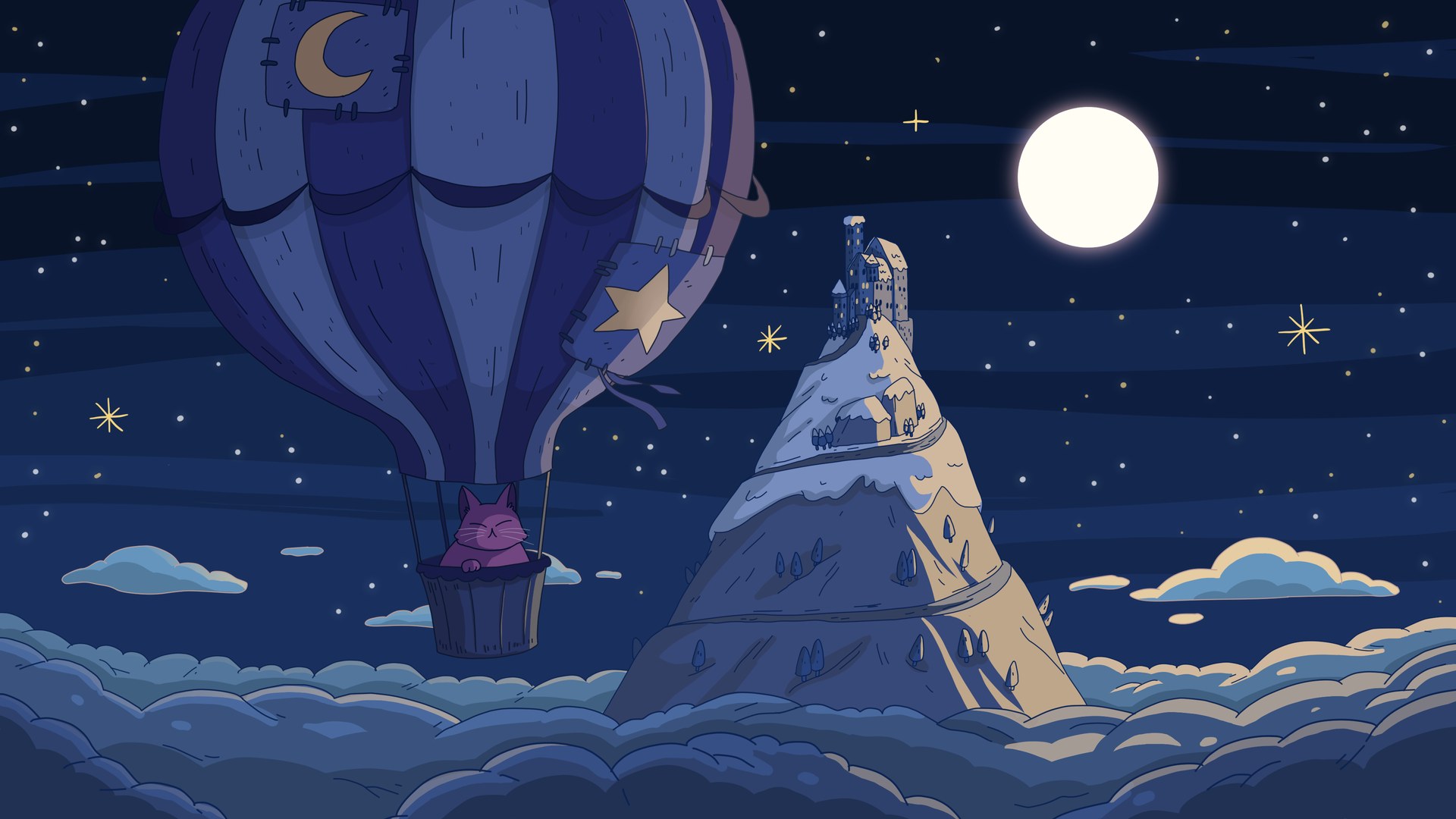
| Full HD 1080p | 1920×1080 | 16:9 | 190 KB | Download Above the Clouds Full HD 1080p (1920×1080) JPG |
| Phone | 1080×2340 | 19.5:9 straight crop | 129 KB | Download Above the Clouds Phone (1080×2340) JPG |
Official files from Purrple Cat (also on purrplecat.art). Stills are the album art resized for screens; this one has no official animation.
Its soundtrack: Above the Clouds (2020)
10 songs · 32 min · CC BY 4.0
- FlyingAbove the Clouds · 20202:59#127MP3
- WindyAbove the Clouds · 20202:36#128MP3
- BalloonAbove the Clouds · 20203:15#129MP3
- FluffyAbove the Clouds · 20202:32#130MP3
- PeaceAbove the Clouds · 20204:05#131MP3
- BlissAbove the Clouds · 20203:00#132MP3
- NocturneAbove the Clouds · 20203:03#133MP3
- UnknownAbove the Clouds · 20203:16#134MP3
- TurbulenceAbove the Clouds · 20203:21#135MP3
- SomniumAbove the Clouds · 20203:24#136MP3
How to set Above the Clouds as your background
01Windows
Right-click the downloaded JPG and choose “Set as desktop background”. Or open Settings › Personalization › Background and browse to it.
02Mac
Right-click the JPG in Finder and choose “Set Desktop Picture”, or open System Settings › Wallpaper and add it.
03iPhone
Download the Phone file, save it to Photos, open it and tap Share › Use as Wallpaper.
04Android
Download the Phone file, then long-press your home screen, tap Wallpapers (or Wallpaper & style) and pick it from your photos.
05Zoom
Settings › Backgrounds & Effects › Virtual Backgrounds › + › Add Image (any JPG) or Add Video (the 1080p loop MP4; Zoom’s limit is 1920×1080).
06Teams
In a meeting: More › Video effects › Add new, then pick the JPG (Teams takes JPG, PNG or BMP).
07Discord
User Settings › Voice & Video › Video Backgrounds › Custom (needs Nitro). JPG, PNG, GIF and MP4 up to 10 MB all fit.
08OBS
Add an Image source for a still, or a Media Source with “Loop” ticked for the MP4. Keep it at the bottom of the source list so your camera and alerts sit on top.
Credit
Every galaxy background is free for your own screens, video calls, streams and videos. Credit it like this:
Art & music by Purrple Cat (purrplecat.com)
- The soundtracks are Purrple Cat Self Releases, free under CC BY 4.0 with “Music by Purrple Cat”.
- Never re-upload the music to music streaming services.
- Never register the music or the art in Content ID.