04
Galaxy backgrounds for calls & streams
Which file works where, with the sizes each app asks for. Every background has a soundtrack that’s safe to play on stream.
| Where | What it wants | Use |
|---|---|---|
| Desktop 4K | 3840×2160 | Every background (JPG) |
| Desktop 1440p / 1080p | 2560×1440 · 1920×1080 | Every background (JPG) |
| Phone (iPhone, Android) | 1080×2340 | Every background (JPG) |
| Zoom image | ≥1280×720, 16:9, ≤15 MB | Any JPG here |
| Zoom video | MP4/MOV, 360p to 1080p | Loop MP4 · 1080p |
| Teams | JPG/PNG/BMP, 16:9 ≥1920×1080 recommended | 1080p or 4K JPG |
| Discord (Nitro) | JPG, PNG, GIF, MP4 up to 10 MB | Any file here |
| OBS / Streamlabs | Image or Media Source (loop) | 4K JPG or Loop MP4 |
| Reels, TikTok, phone live | 1080×1920 video | Vertical loop MP4 |
Set it up
05Zoom
Settings › Backgrounds & Effects › Virtual Backgrounds › + › Add Image (any JPG) or Add Video (the 1080p loop MP4; Zoom’s limit is 1920×1080).
06Teams
In a meeting: More › Video effects › Add new, then pick the JPG (Teams takes JPG, PNG or BMP).
07Discord
User Settings › Voice & Video › Video Backgrounds › Custom (needs Nitro). JPG, PNG, GIF and MP4 up to 10 MB all fit.
08OBS
Add an Image source for a still, or a Media Source with “Loop” ticked for the MP4. Keep it at the bottom of the source list so your camera and alerts sit on top.
Good picks
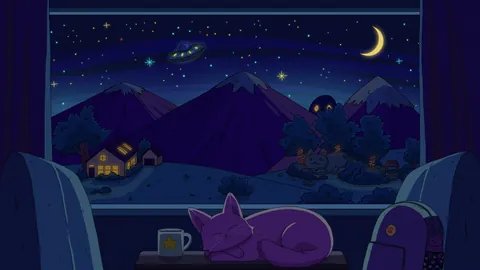
Calm, dark, easy behind a face


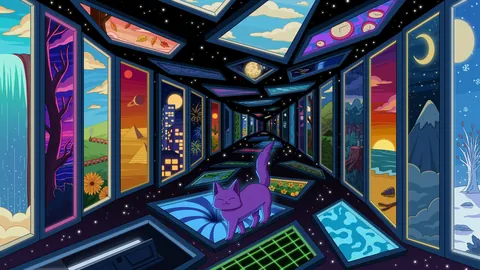
Bright and colourful


Moving (video backgrounds)


Screen mode
Every background page has a Screen mode button: the background fills the screen with its soundtrack playing and a small credit caption. Use it on a second monitor or a party TV, or capture the browser window in OBS (Window Capture) for a starting-soon scene.
Music that won’t get your stream muted
Every galaxy background is free for your own screens, video calls, streams and videos. Credit it like this:
Art & music by Purrple Cat (purrplecat.com)
- The soundtracks are Purrple Cat Self Releases, free under CC BY 4.0 with “Music by Purrple Cat”.
- Never re-upload the music to music streaming services.
- Never register the music or the art in Content ID.
